
MONITORED AI v.10.1 - Release
The latest release expands MONITORED AI® with new capabilities for time-series analytics, automated AIKP processing, and Earth Observation data analysis.

OPT/NET
July 1, 2026
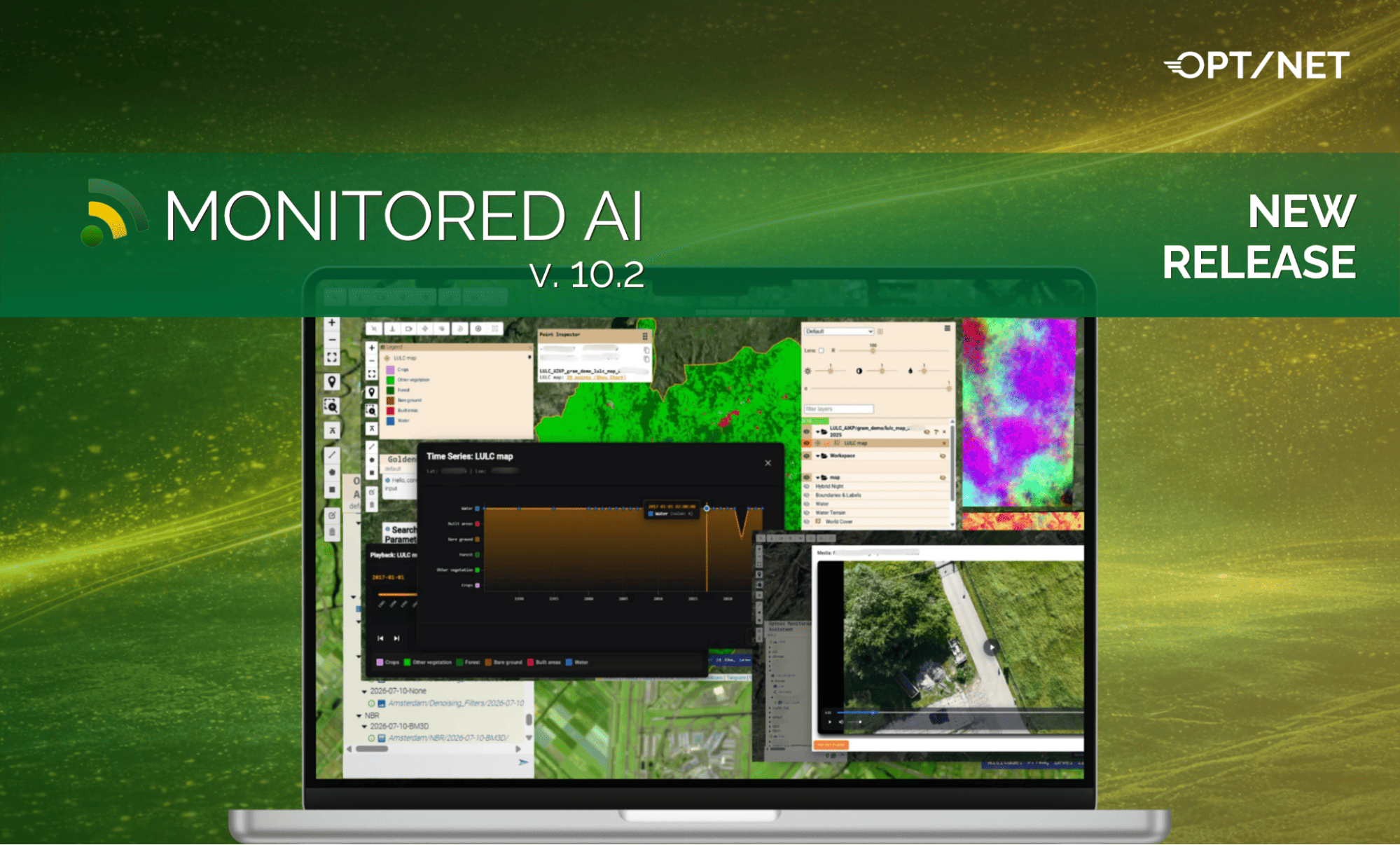
This MONITORED AI® release, version 10.2, introduces new capabilities for time-series data visualisation, object detection, and localised playback of video sources and recordings in the Web UI. On the backend, we expand the geospatial products Finder and raster product’s denoising capabilities for satellite and airborne imagery, with improvements to DEM AIKP usability, refined access controls and bringing the platform into full compliance with recently updated regulations of EU AI Act and addressing elevated security requirements.
1. Video Player
Localised videos from cameras/UAVs can now be published to MONITORED AI® through the backend and played directly in the Web UI using the new Video Player. Users can watch videos inside the media document modal window or open the player in a separate detached window. Multiple viewing windows can be opened and panned on displays as desired in detached mode.
Access to each video object is restricted to the user groups defined in its metadata document, keeping video playback aligned with document-level permissions.

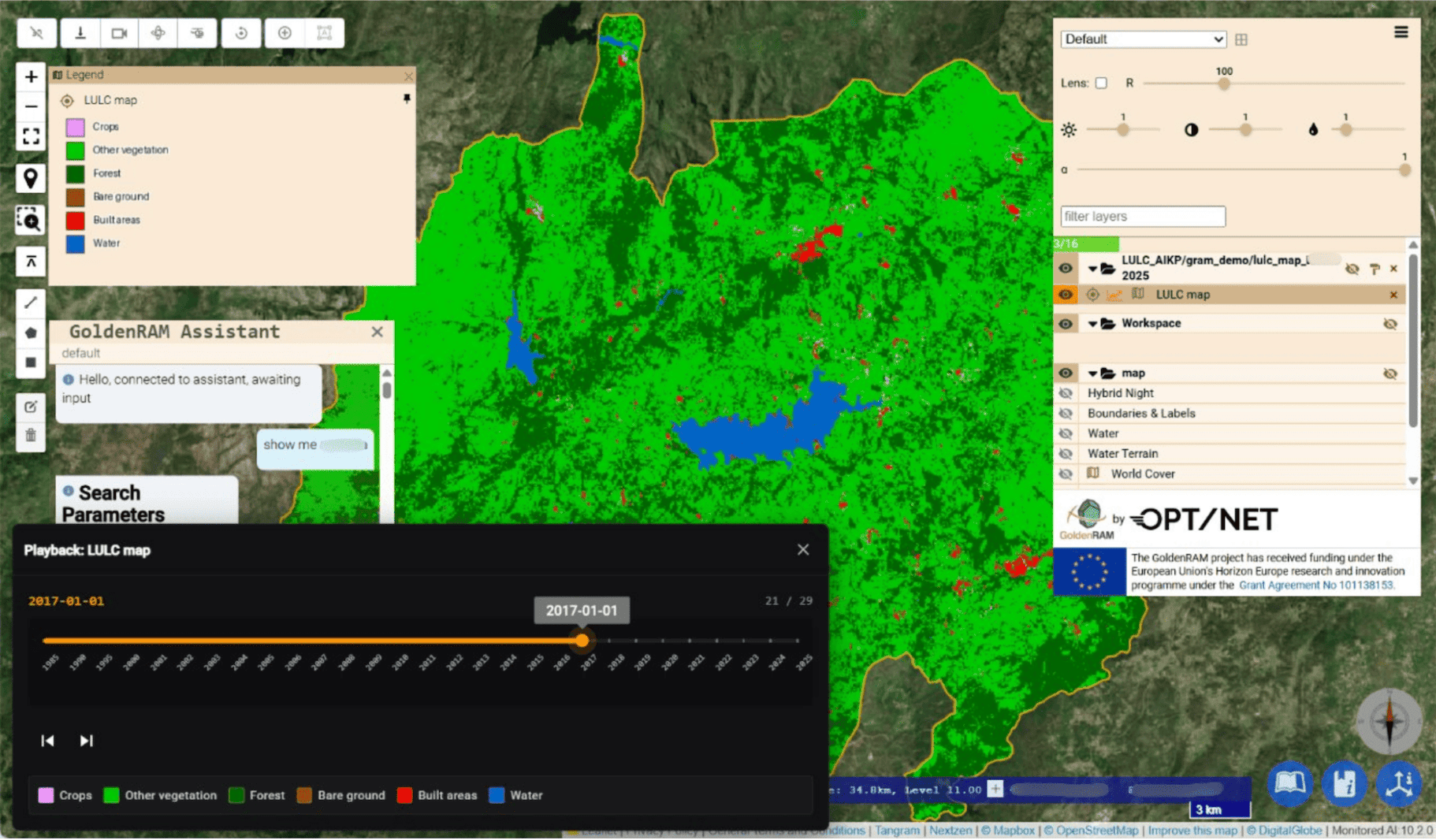
MONITORED AI® now supports custom colour maps for TimeSeries documents, making qualitative datasets such as land use and land cover (LULC) easier to explore over time. The new zarr.color_map property allows developers to define colours and labels for individual classes within a published document.
For TimeSeries documents that use a discrete colour map:
These changes make it easier to interpret categorical data and follow changes in land cover or other classified observations over time.

A new service benchmarking AIKP provides a workflow for evaluating object detection results produced by multitude of AI algorithms. The module supports the independent workflow, processing, and publication of assessment results for large volumes of AI detections.
Key capabilities include:
Local geo documents Finder now supports multiple scan profiles within a single deployment. Platform Administrators can add workflows that are scheduled by the scanner service without changing execution environment variables or redeploying the service.
This simplifies management of different scanning configurations for large datasets of SAT or aerial imagery and other GIS objects. The update also includes memory management optimisations for continuous scanner operation, addressing memory growth over time in extra large imagery repositories.

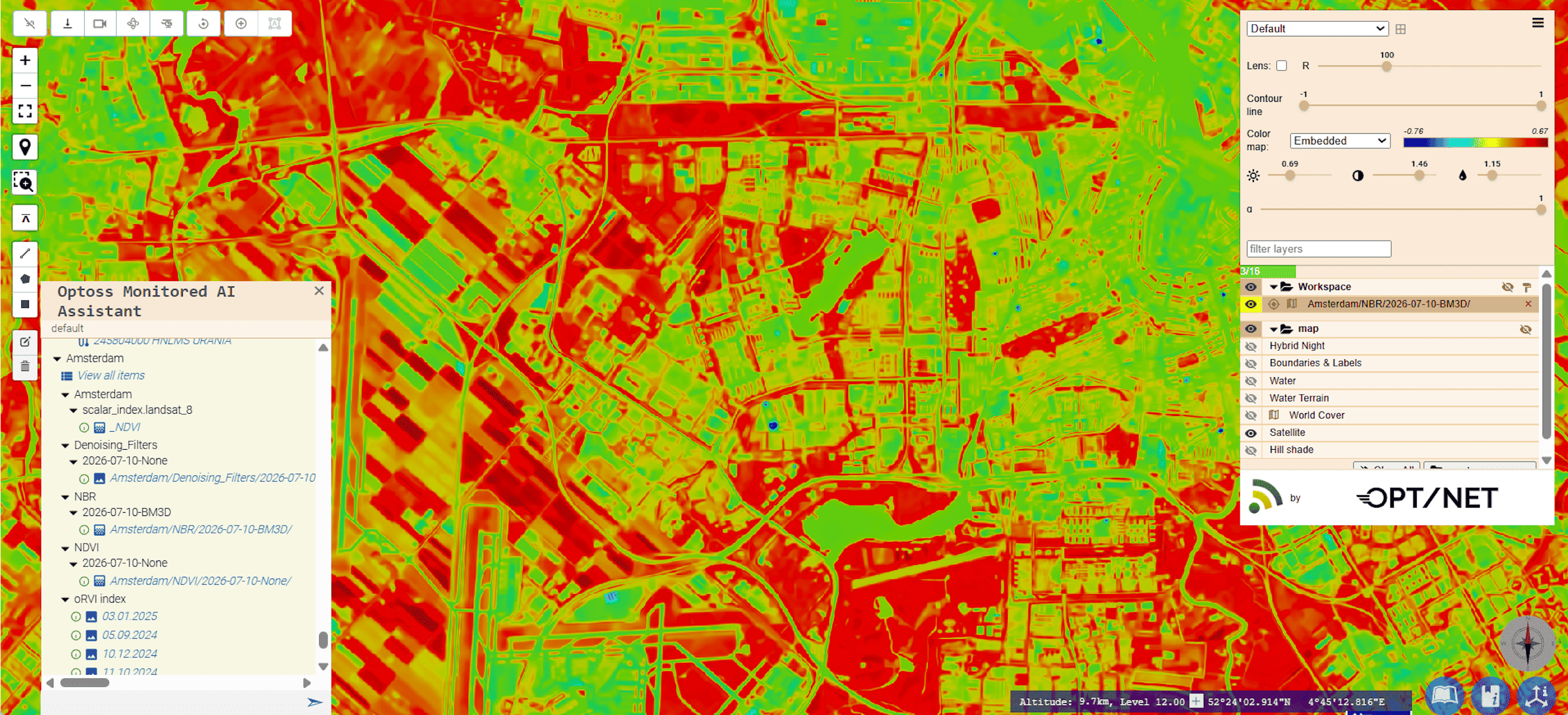
Building on the filtering controls introduced in v10.1, MONITORED AI® now extends denoising filter selection across compatible raster families of AIKPs. Users can select an applicable filter or disable filtering where supported, giving them greater control over processing.
Filter availability follows compatibility rules:
This allows users to choose filtering options suited to their data and analytical tasks while respecting the requirements of each filter.


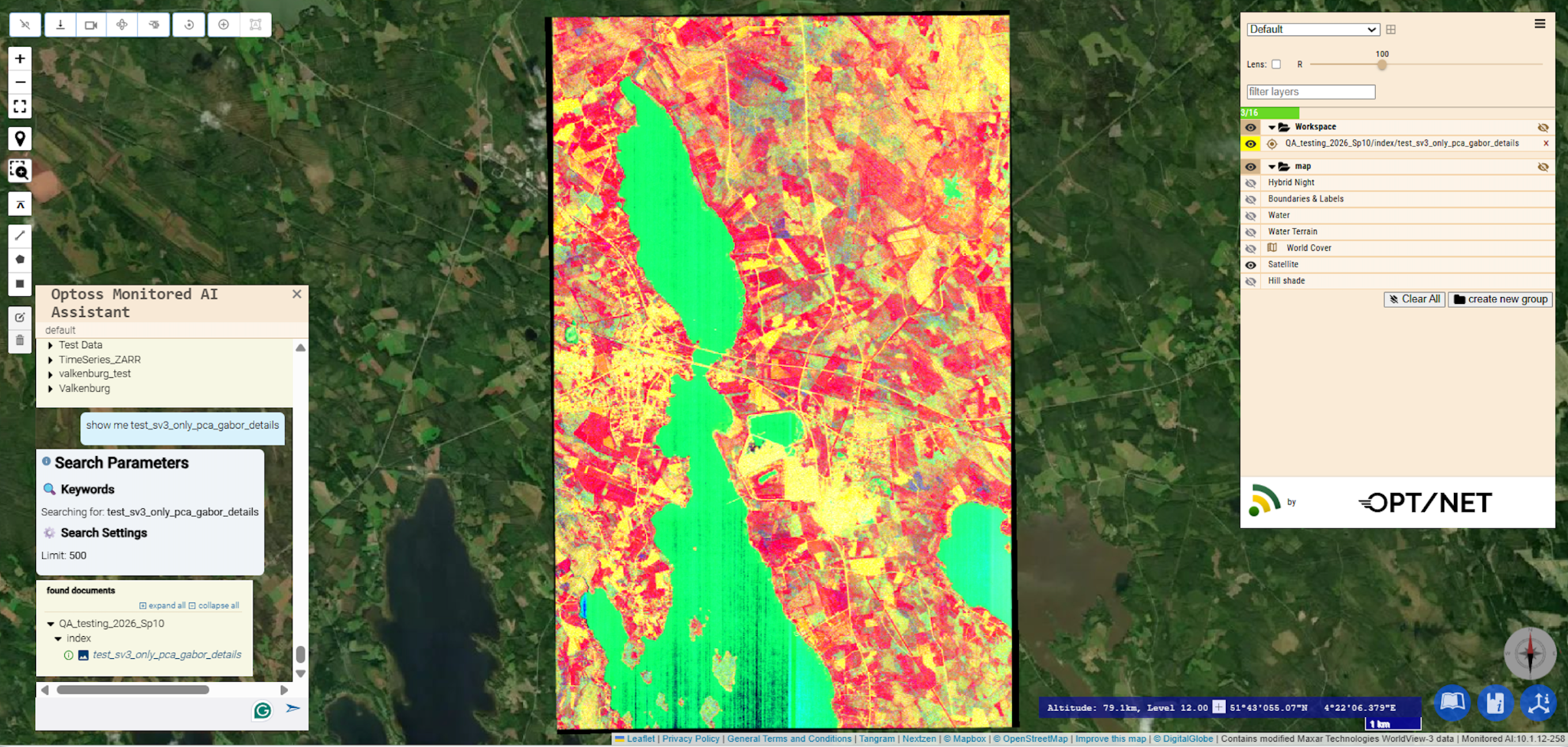
1. Denoising Filters for PCA AIKP
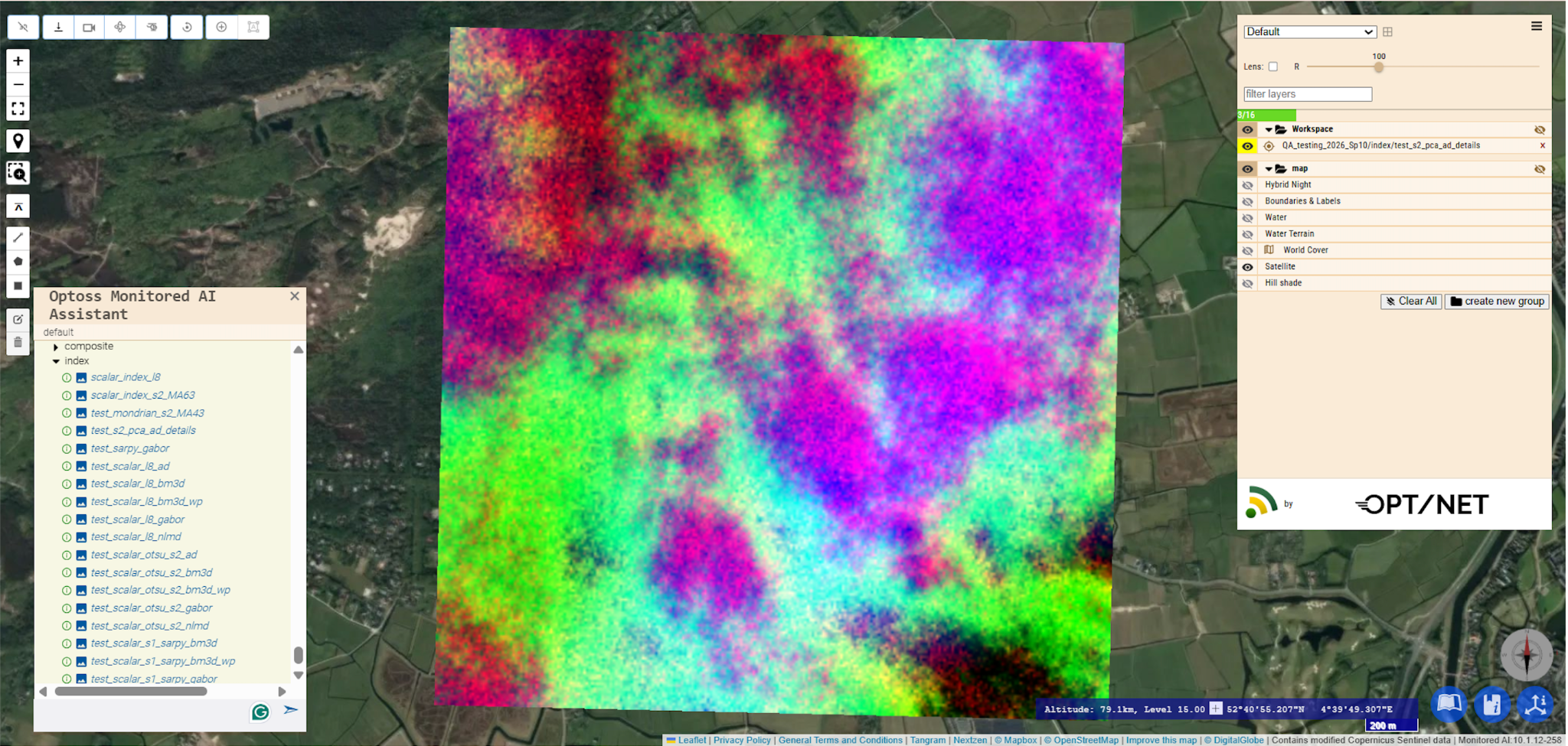
PCA AIKP supports configurable denoising for ASTER L1T, Sentinel-2, WorldView-3 and WorldView-3 SWIR-only imagery. Users can select the filter algorithm and its parameters to suit the input data and analysis.
Filter options include anisotropic diffusion and NLMD. Availability of BM3D, SARBLF and Gabor depends on the required packages being installed in the deployment.
DEM AIKP workflows have been refined to simplify the experience for analysts working through the backend and users interacting through the Web UI. The improvements focus on:
MONITORED AI v10.2 also includes additional fixes and improvements to dem_ts AIKP, together with platform security updates and improvements.
To find out more about MONITORED AI v10.2, contact us at info@opt-net.eu or fill in the contact form.


